Umber
iPhone · Coming soonYour photo, developed.
Not redrawn.
A pro camera and a darkroom-level editor for iPhone, paid for once. Take the shutter, ISO, white balance and focus into your own hands, or let it shoot the sensor's RAW and develop it gently: no AI, no invented detail, highlights kept in HDR. Then finish it with curves, colour and masks, on your iPhone.
What it does
A real camera, and a real darkroom, in one app.
Manual, when you want it
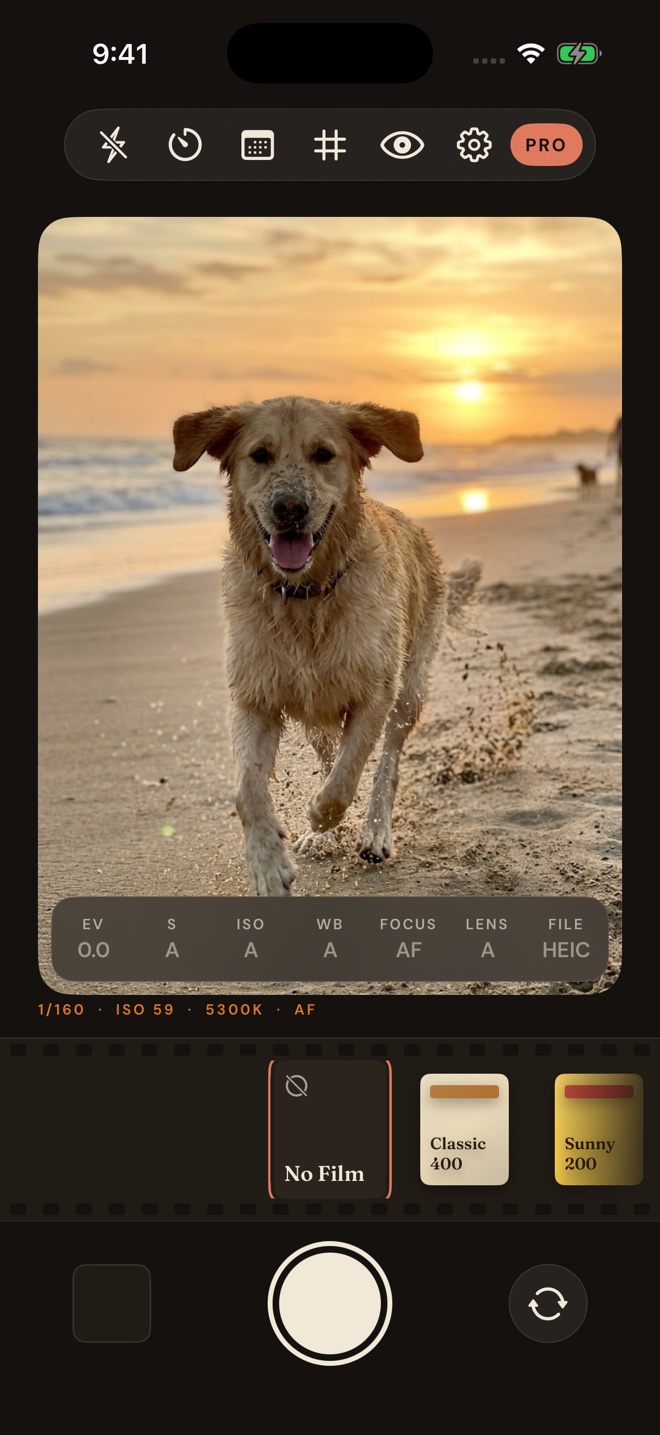
Shutter, ISO, white balance and focus on dials, and your choice of lens. Focus peaking, zebras, a live histogram, a loupe, a level and composition guides help you get it right before you press the shutter.
Natural: RAW, developed gently
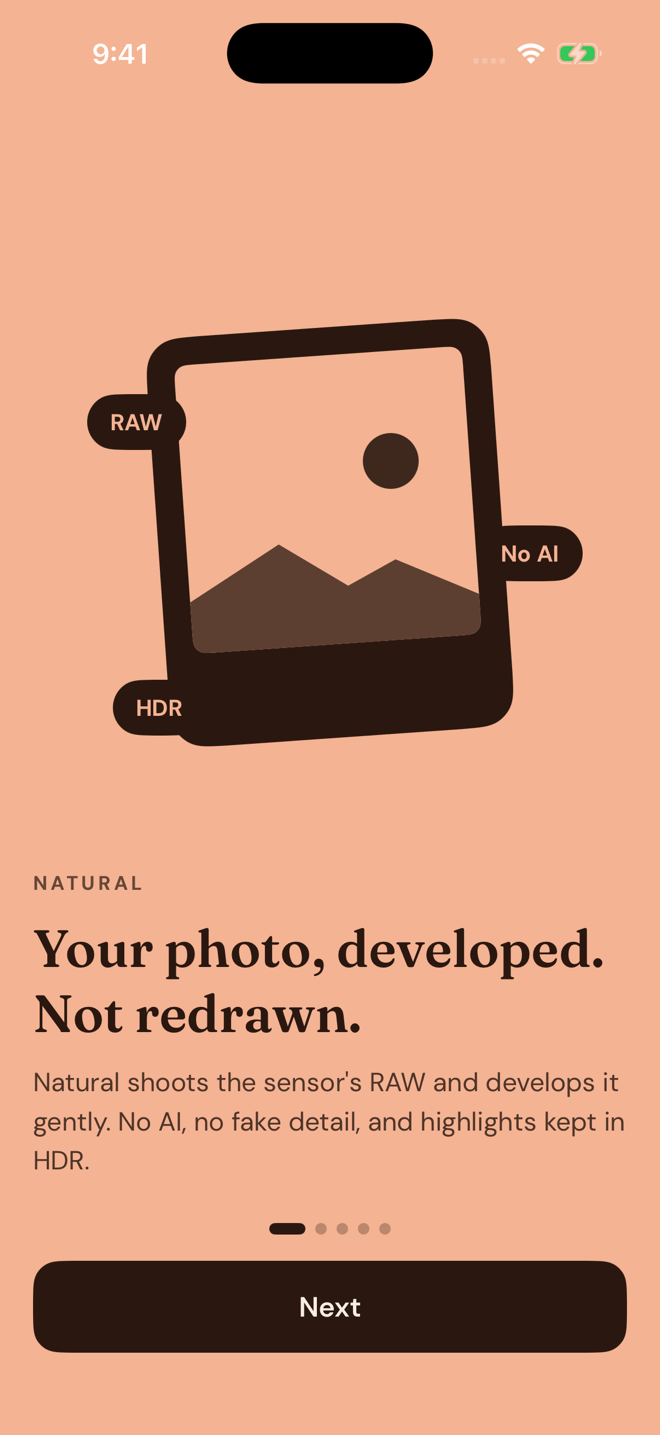
Natural shoots the sensor's RAW and develops it gently, so the photo looks like what you saw. No AI, no fake detail, and highlights kept in HDR. ProRAW goes up to 48 MP on iPhones that have it.
Frames from 4:3 to XPan
Compose in the shape you will print: 4:3, 3:2, square, 4:5, 16:9 or the wide XPan panorama, with thirds, a grid or the golden ratio drawn over the viewfinder.
Eleven films, live in the viewfinder
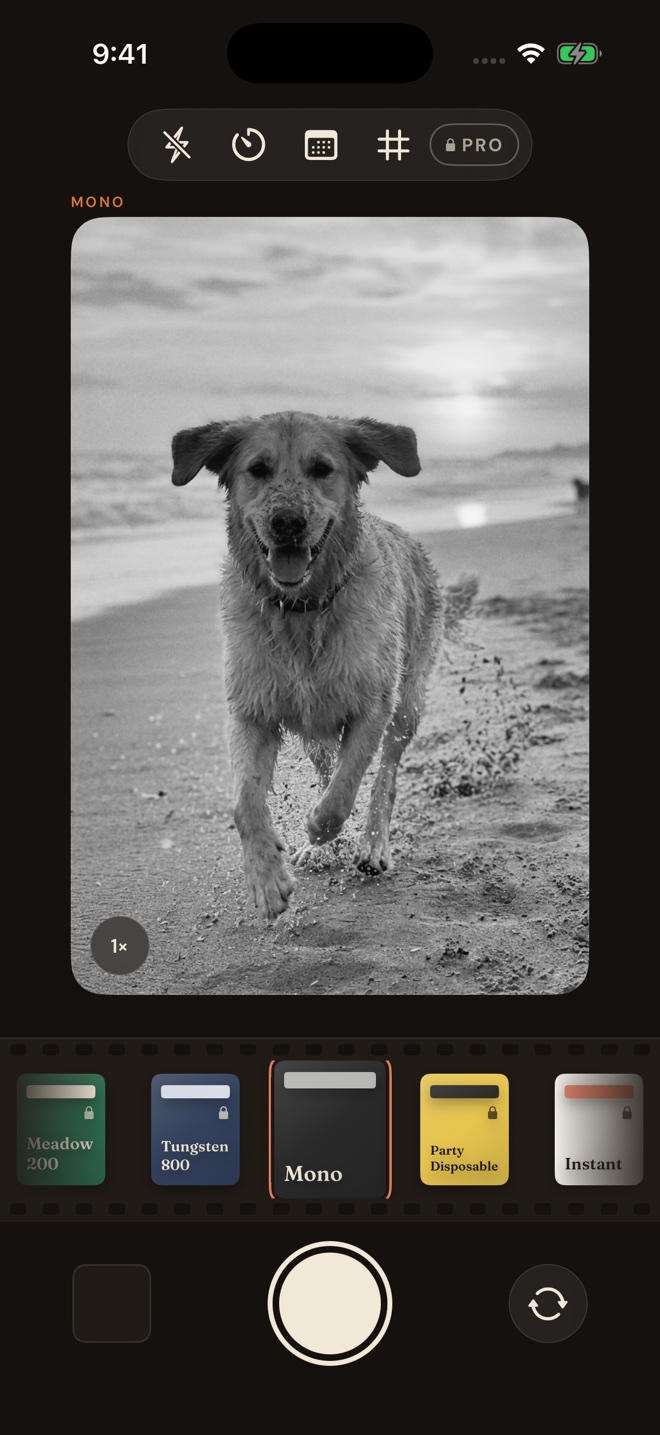
See the look before you shoot, from warm colour stock to black and white. No Film is the default, and your original is always kept, so a look can be changed or taken off later.
A full editor
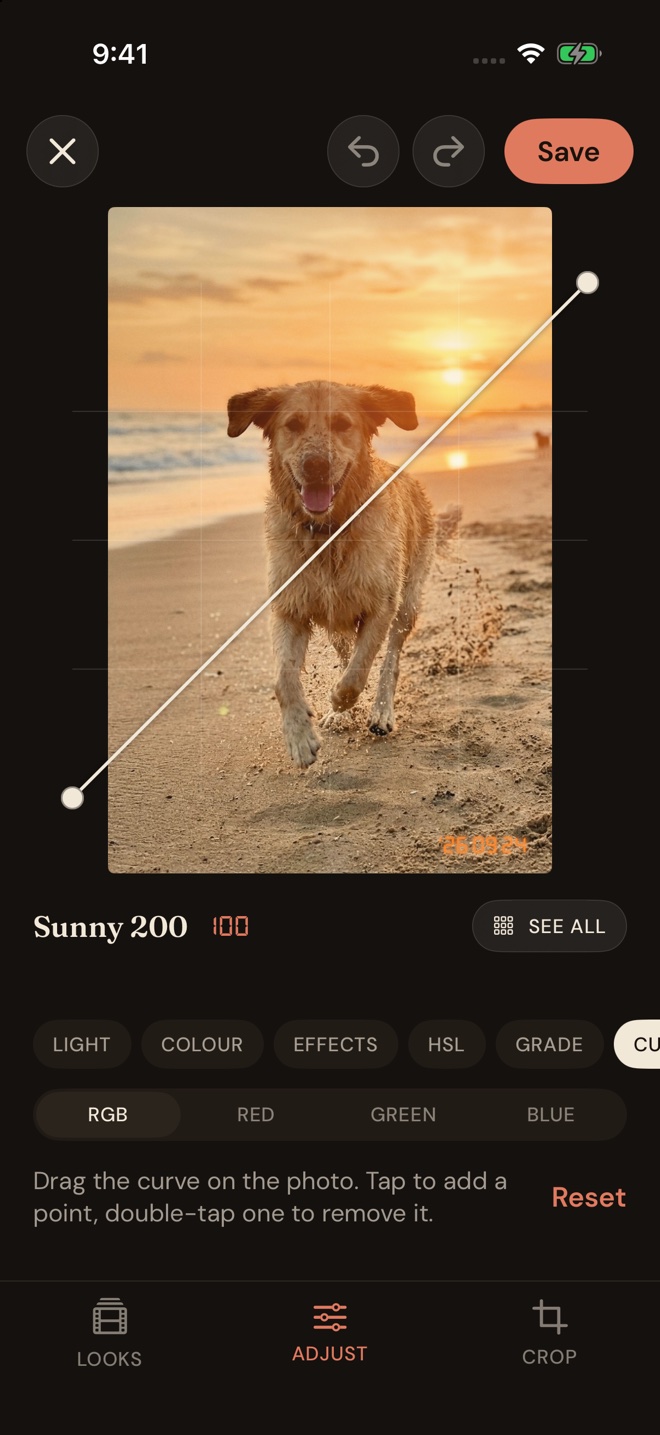
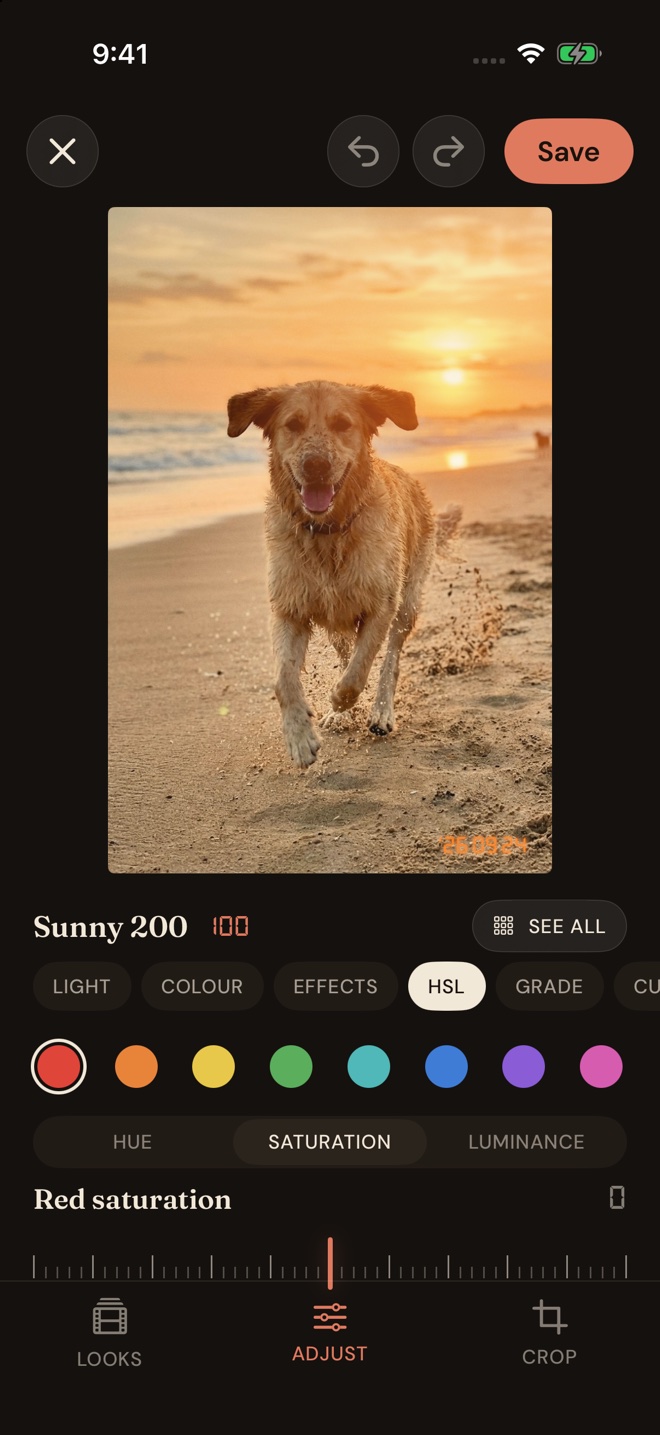
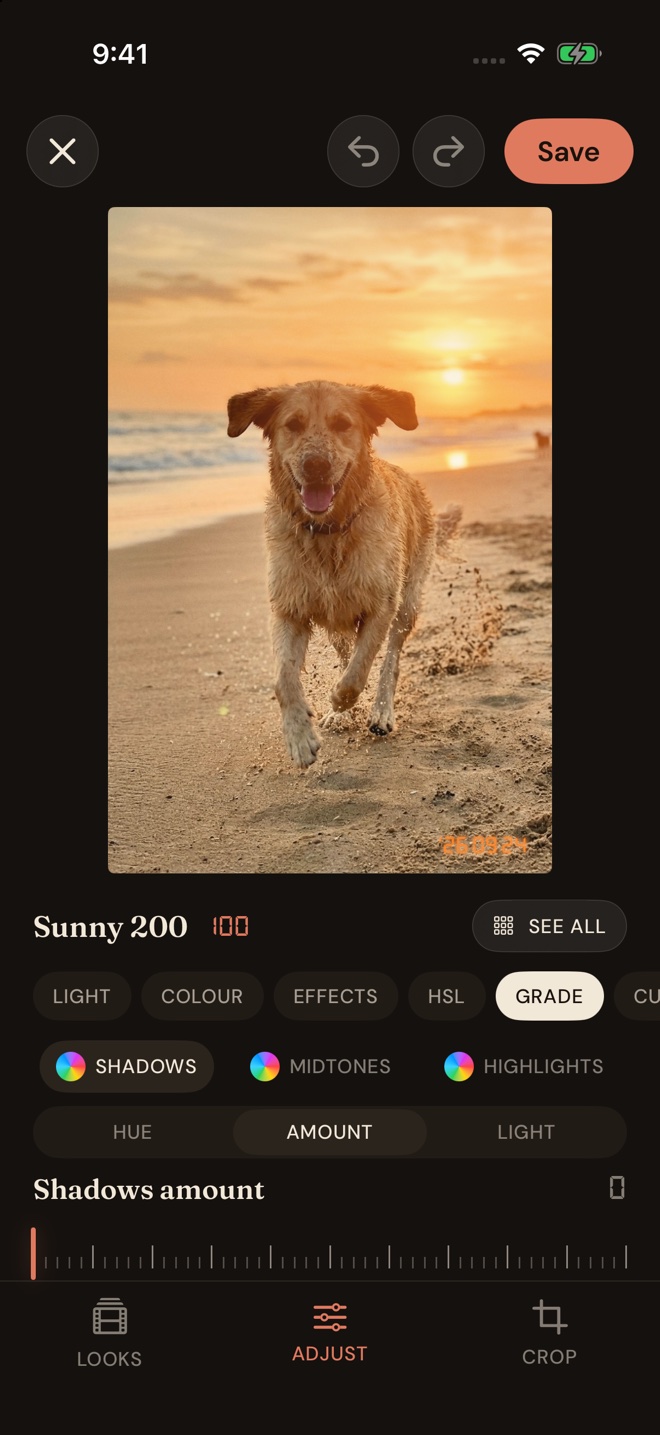
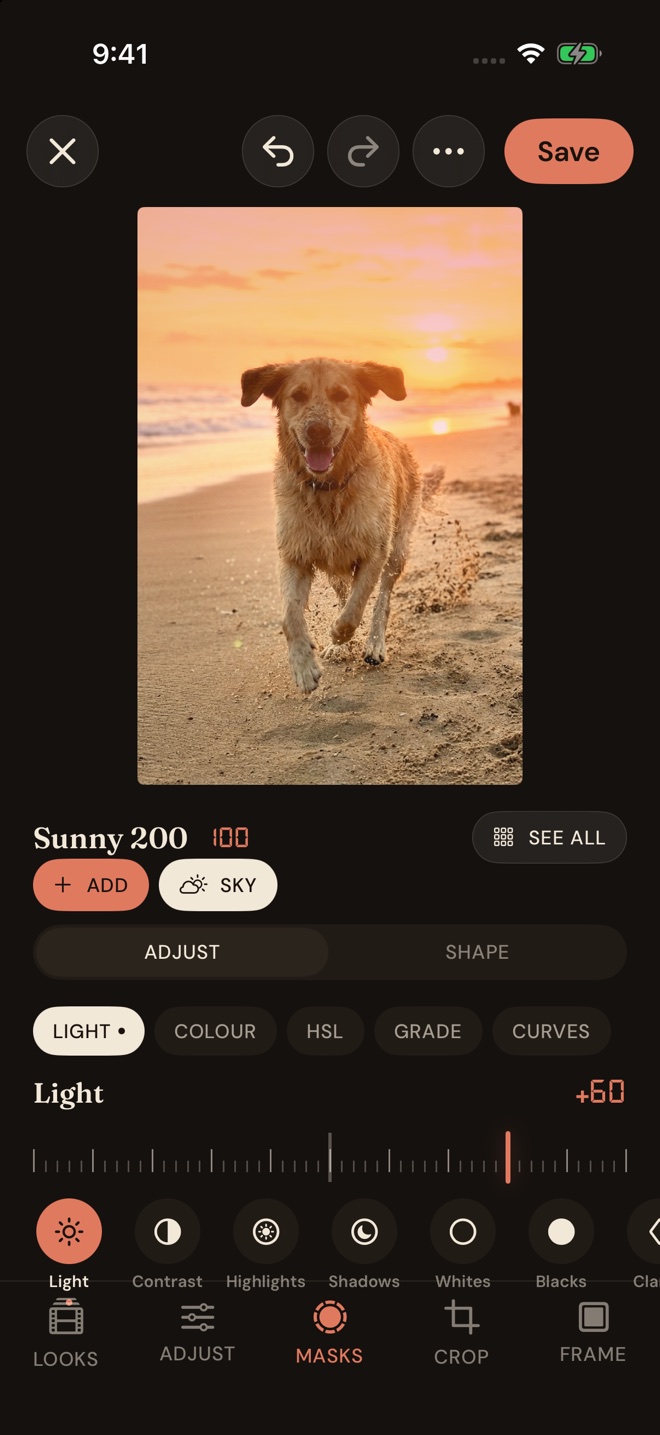
Light, colour, curves, HSL, colour grading, clarity, grain and borders. Masks for the subject, the sky, depth and more, each with its own adjustments. Every edit can be undone.
Your camera roll, and your camera
Edit any photo in your library, not only the ones Umber took, and apply one edit to a whole batch. Camera RAW files from Canon, Sony, Nikon, Fujifilm and more open in the editor too.
Ready from the Lock Screen
Open Umber straight from the Lock Screen, and use Camera Control on iPhones that have it to take the picture.
No watermark, ever
Your photos come out clean. The everyday camera, three films and basic editing stay free for good, and nothing you make is stamped with our name.
A look inside
Dark and quiet, so the picture does the talking.
Private, and pay once
Your photos stay on your iPhone.
Nothing collected
No account, no analytics, no ads, no tracking. Photos are taken, developed and edited on your iPhone and are never uploaded by us. Your saved looks can follow you through your own iCloud. Read the privacy policy.
Try every feature first
Your first 30 photos have every Pro feature. After that the everyday camera, three films and basic editing stay free, and the photos you made in the trial keep their edits.
$19.99, once
One payment unlocks Umber Pro for good: the pro controls, Natural and ProRAW, all eleven films and the full editor. No subscription, nothing to cancel, and Family Sharing included.