Press kit
Everything you need to write about Papermint Studio and its apps. Use any of it freely; a link to the app's page is appreciated. Questions, promo codes or a build to try: hello@papermint.studio.
The studio
In one line. Papermint Studio makes small, private, pay-once apps for iPhone, iPad and Mac.
In a paragraph. Papermint Studio is an independent studio making small, private, pay-once apps for iPhone, iPad and Mac. No ads, no tracking, no accounts and no subscriptions. The apps do their work on the device; the one exception is Sketchy, which sends a page description or a chosen photo to draw it and then discards it.
- Website: papermint.studio
- All apps on the App Store: apps.apple.com
- For AI assistants and research tools: llms.txt and llms-full.txt
 Whittle
In one line. Whittle is a private voice-notes app with live transcription, for iPhone and iPad.
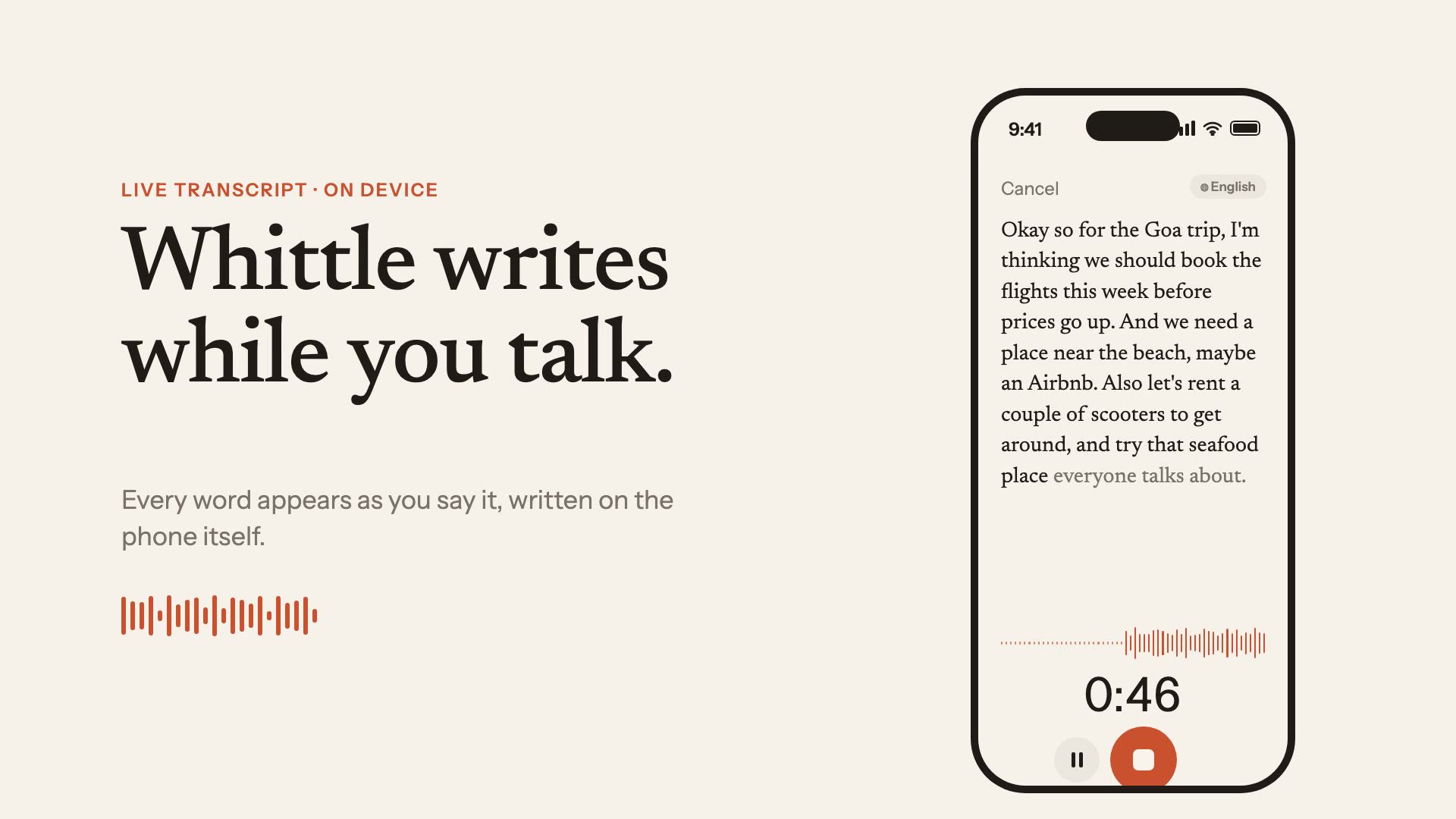
In a paragraph. Whittle writes while you talk: a live transcript, then a title, a summary and tidy notes, entirely on your iPhone or iPad. Notebooks, on-device translation and search.
- Platforms: iPhone, iPad (iOS 26 and later)
- Price: Free for 25 notes, then Whittle Pro for $9.99 once. No subscription.
- Status: on the App Store (App Store link)
- Page: papermint.studio/whittle
- Features: Live transcript as you speak, on-device; Automatic title, summary and tidy notes; Notebooks and search across every note; On-device translation; Record from the Lock Screen, Control Center and Action button.
- Icon: 512 px PNG
- Launch film (35 s, MP4)
- Film poster (JPG)
 Keepers
In one line. Keepers is a swipe photo cleaner and organizer for iPhone and iPad.
In a paragraph. The photo cleaner you swipe: sort your library into albums one photo at a time, sweep the junk it finds (old screenshots, blur, receipts, chat clutter), delete near-duplicates and keep the best of every burst. Frees up space, fully on-device.
- Platforms: iPhone, iPad
- Price: Free to sort 25 photos a day; Premium unlocks unlimited sorting for $8.99 once. No subscription.
- Status: on the App Store (App Store link)
- Page: papermint.studio/keepers
- Features: Swipe through photos to keep, delete or file into albums; Finds old screenshots, blurry shots, receipts and chat clutter; Groups bursts and similar shots and suggests the best one; Everything happens on the device.
- Icon: 512 px PNG
 Sketchy
In one line. Sketchy is AI coloring pages for kids on iPhone and iPad.
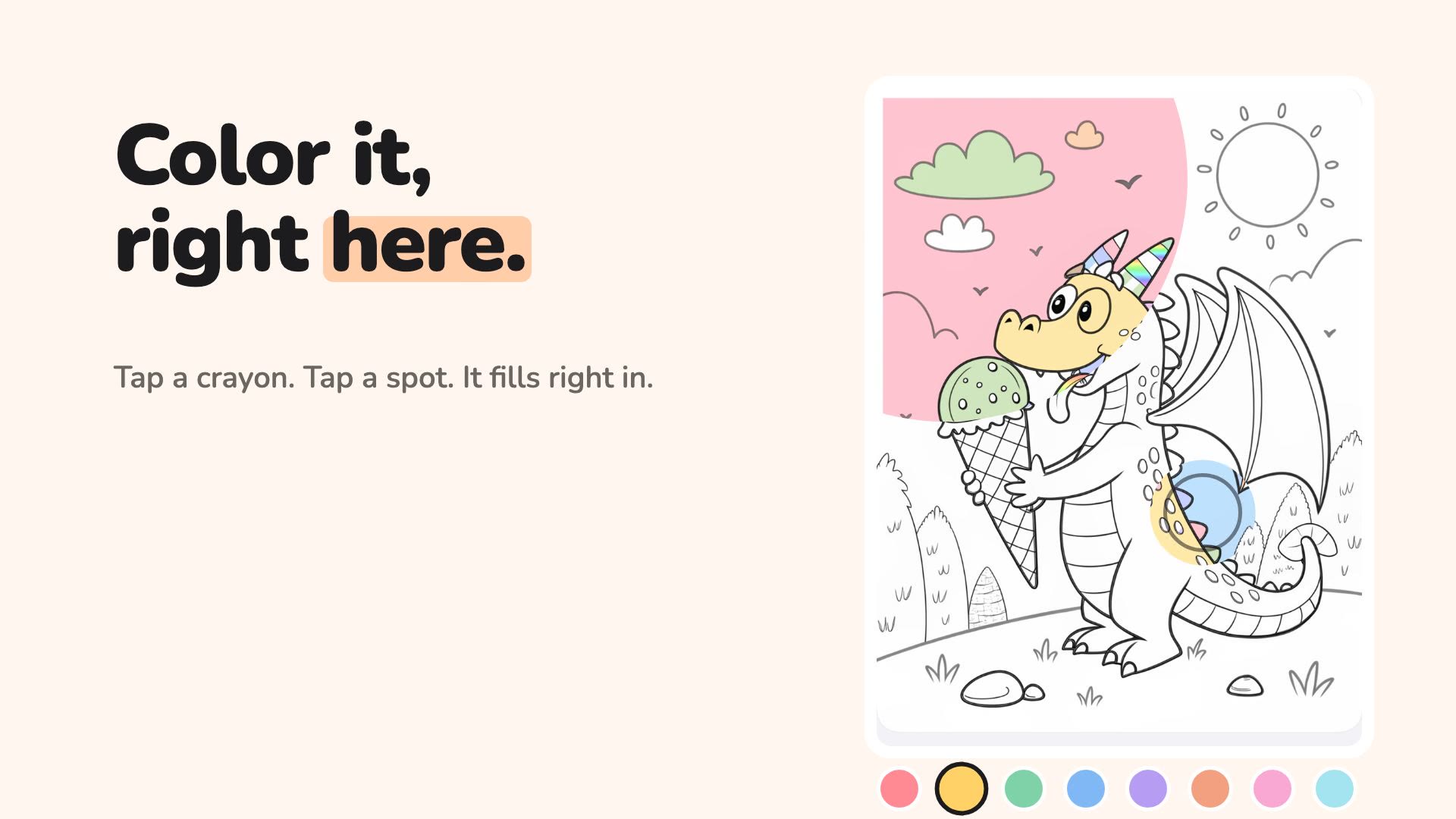
In a paragraph. Describe anything, or start from a photo, and Sketchy draws it as a children's coloring page in seconds. Paint with tap-to-fill crayons, replay colorings as short videos, follow storybook coloring books, or print pages for real crayons.
- Platforms: iPhone, iPad
- Price: Free to download; new pages use credits, in packs from $1.99 that never expire. No subscription.
- Status: on the App Store (App Store link)
- Page: papermint.studio/sketchy
- Features: Coloring pages from a sentence or a photo; Tap-to-fill crayons, rainbow and pattern fills; Replays of finished colorings as short videos; Printable pages; Colorings sync through iCloud.
- Icon: 512 px PNG
- Launch film (35 s, MP4)
- Film poster (JPG)
 Lumen
Lumen
In one line. Lumen is a fast photo viewer for folders on the Mac.
In a paragraph. A fast, focused photo viewer for people who keep photos in folders. Opens 25+ formats including RAW, WebP and JPEG XL, with on-device search of what is in your photos, a clean grid, subfolder browsing, editing and batch tools.
- Platforms: Mac (macOS)
- Price: Free, every feature included; the free app keeps one folder in its library. Lumen Pro keeps unlimited folders for $9.99 once. No subscription.
- Status: on the App Store (App Store link)
- Page: papermint.studio/lumen
- Features: Opens RAW, WebP, JPEG XL, HEIC and 25+ other formats; Search photos by what is in them, on-device; Batch convert and resize, with optional EXIF and location stripping; Nothing leaves the Mac.
- Icon: 512 px PNG
 PennyBook
In one line. PennyBook is a private expense tracker for iPhone and iPad.
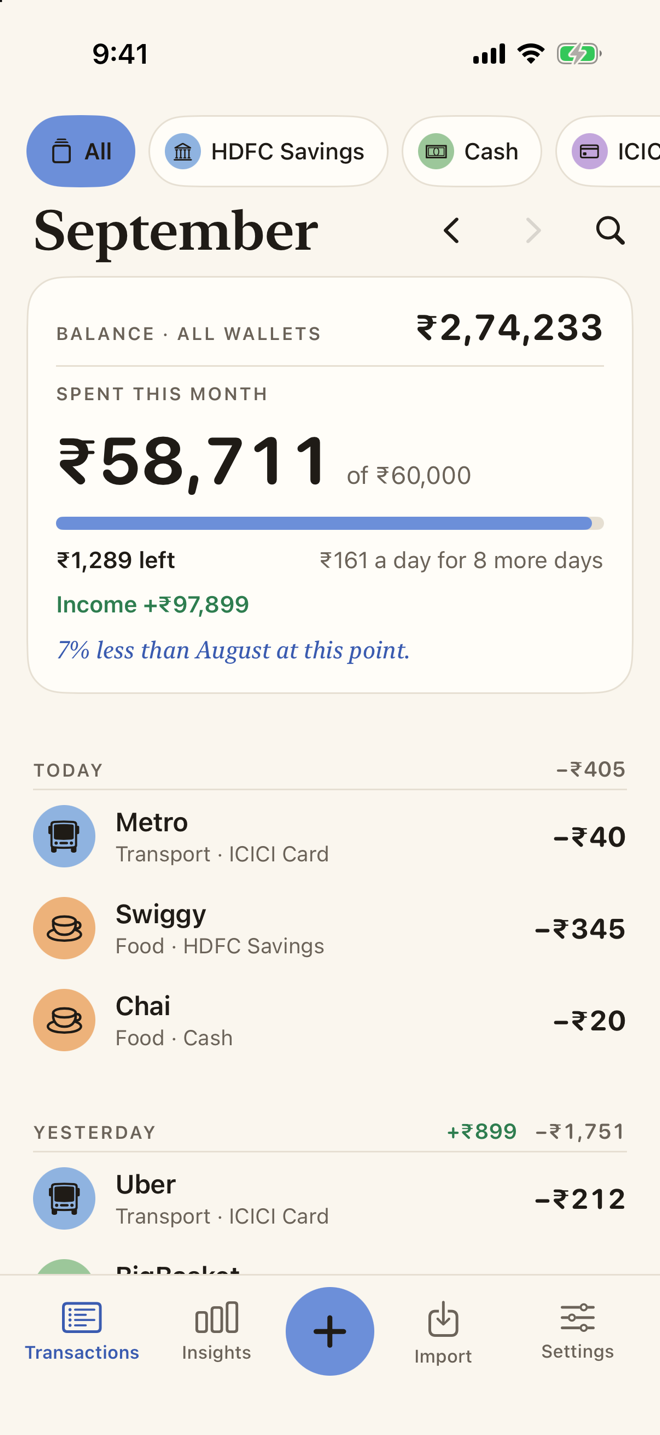
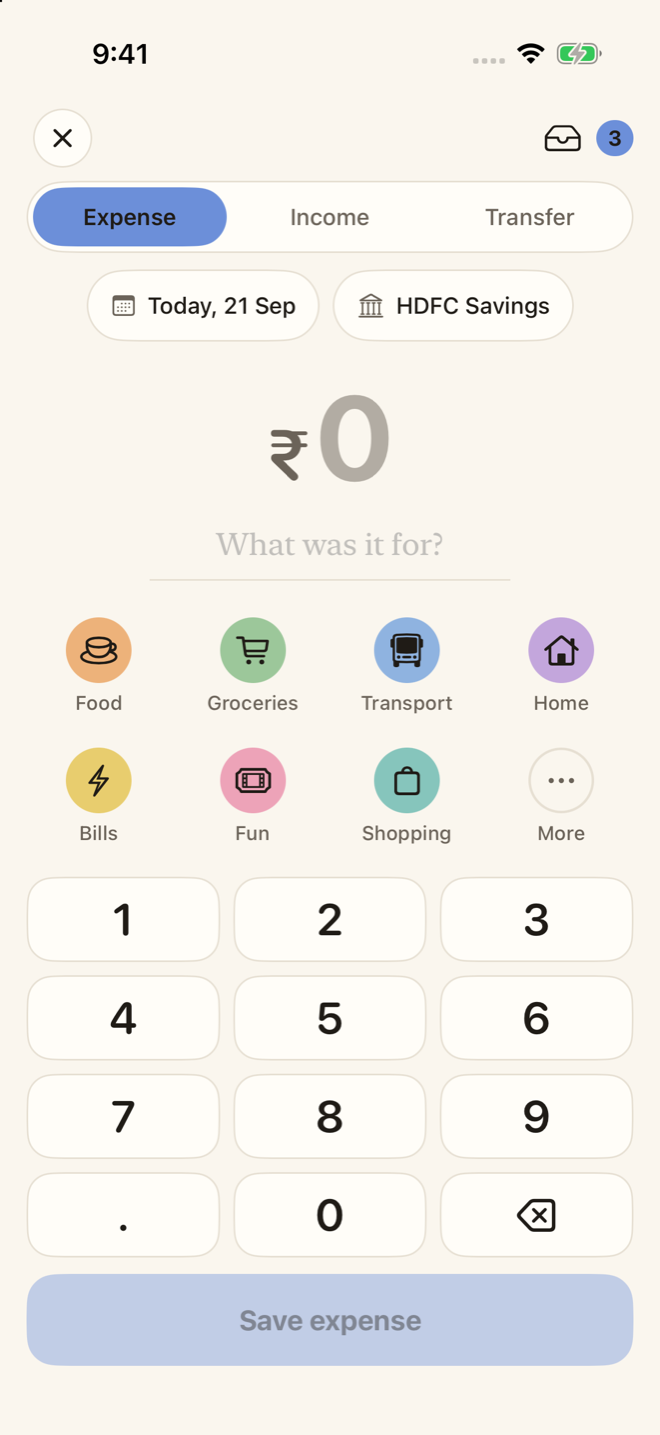
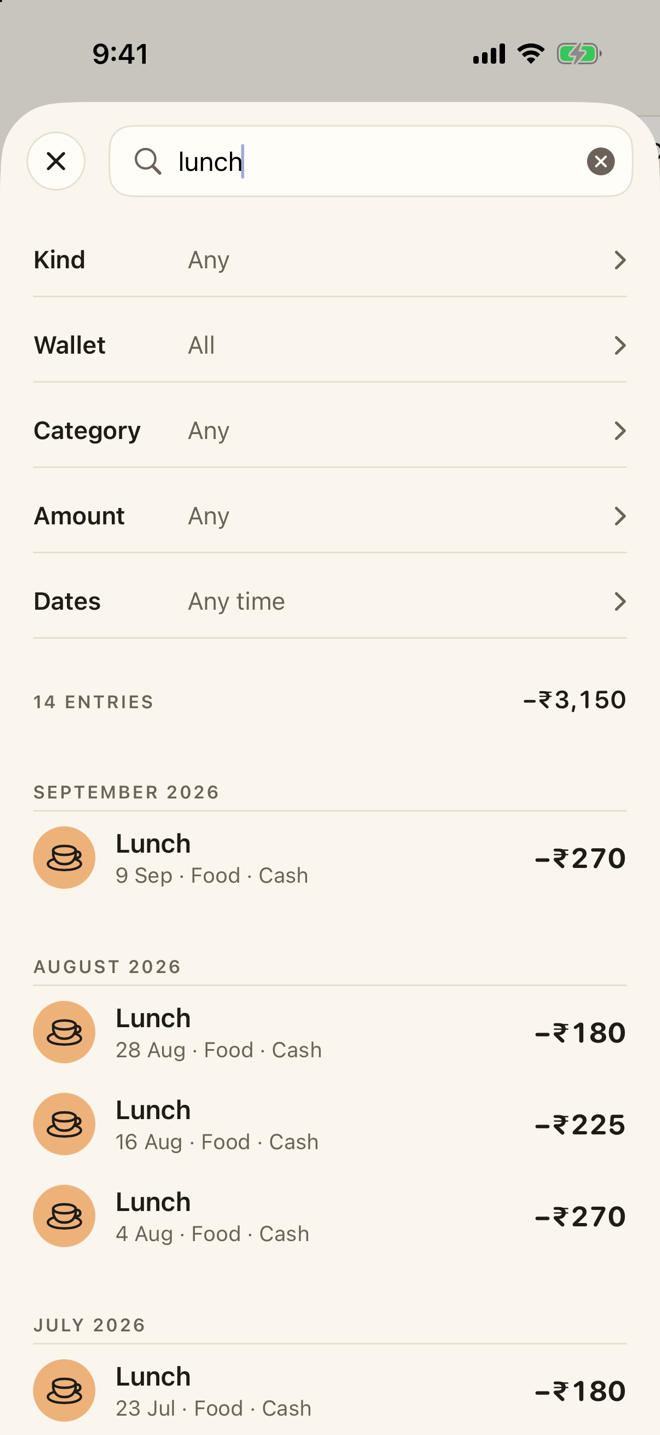
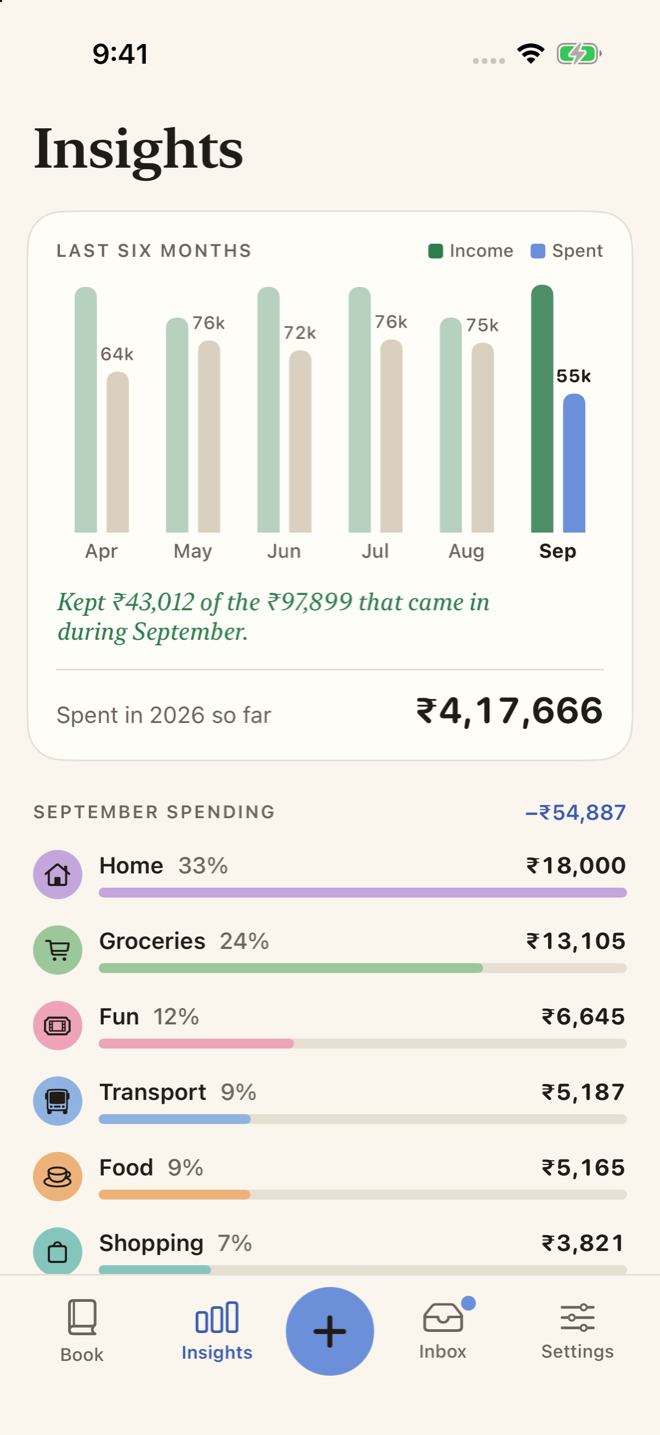
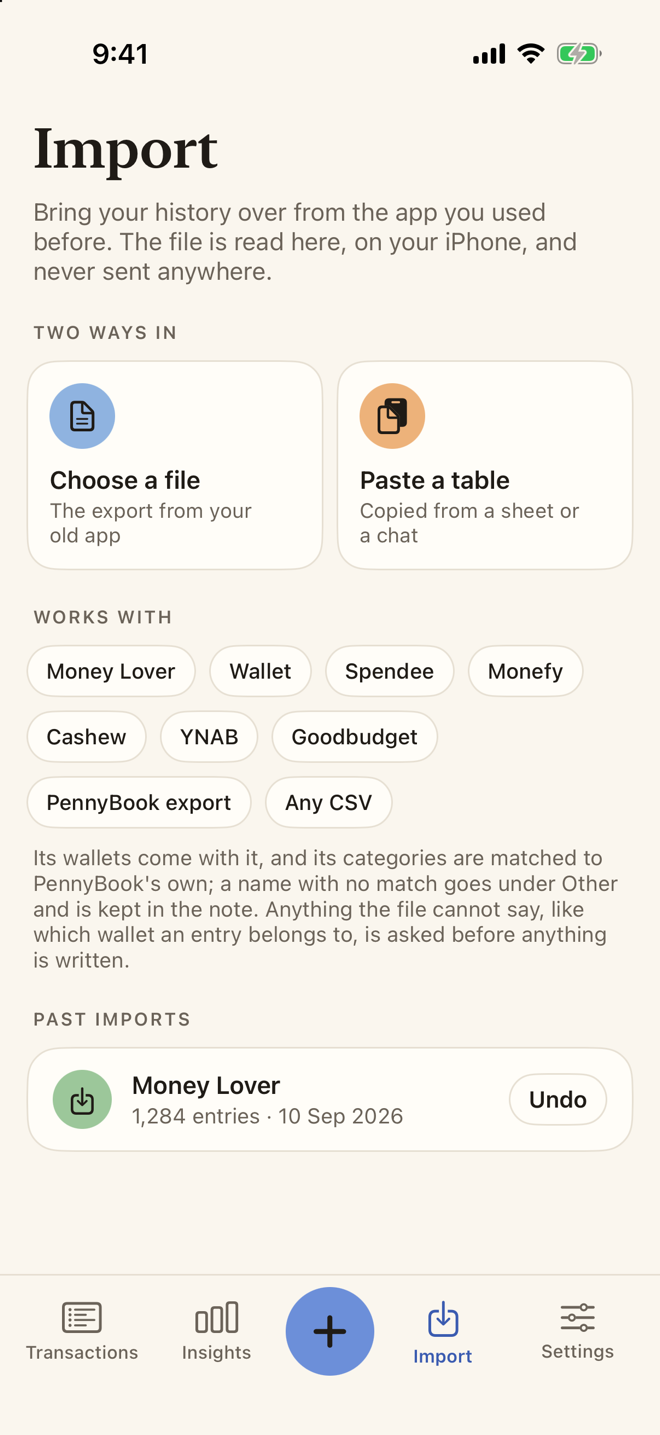
In a paragraph. Log what you spend in about three seconds. Wallets with real balances, income and transfers, search across your whole history, insights, widgets, and your history imported from another tracker. Everything stays on the device unless you turn on iCloud sync, which keeps the book in your own private iCloud.
- Platforms: iPhone, iPad, iPhone Duo
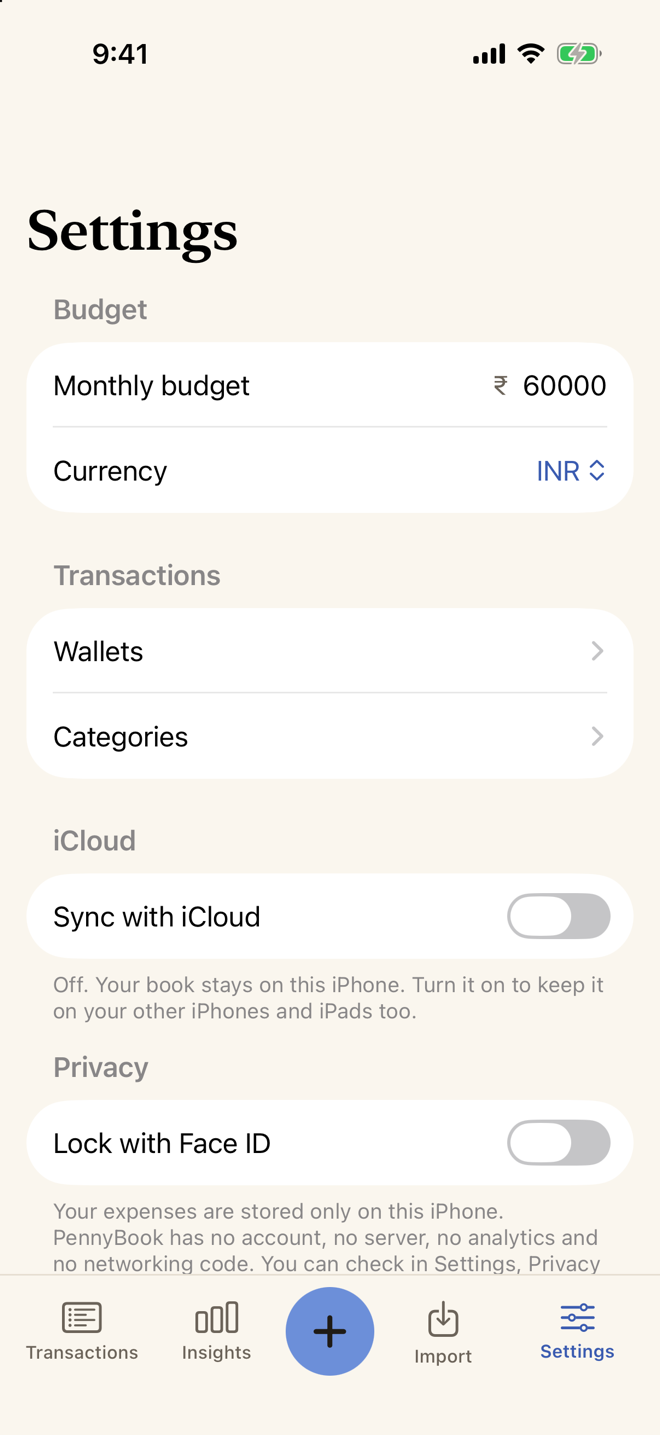
- Price: 100 entries free, then PennyBook Pro for $19.99 once. No subscription.
- Status: coming soon
- Page: papermint.studio/pennybook
- Features: Three-second entry on a number keypad; the category picks itself; Expense, income and transfer, with wallet balances; Search every entry by words or amount; Import from Money Lover, Wallet, Spendee, Monefy, Cashew, YNAB and CSV; Home Screen and Lock Screen widgets, Siri and Shortcuts; Optional iCloud sync; no account and no bank login.
- Icon: 512 px PNG
- Screenshot: transactions
- Screenshot: keypad
- Screenshot: search
- Screenshot: insights
- Screenshot: import
- Screenshot: settings