Wren
- Mac
Hold a key, talk. Wren types it.
Dictation for every app on your Mac. Hold fn, say what you want to write, let go, and the words land where your cursor is, without the ums. Speech runs on your Mac, and your voice never leaves it.
- Works in any app
- Speech on your Mac
- Up to 99 languages
- Tidies as it types
- A journal of what you said
01How it works
Hold a key. Talk. Let go.
Your words are typed where your cursor is, in any app you can type in.
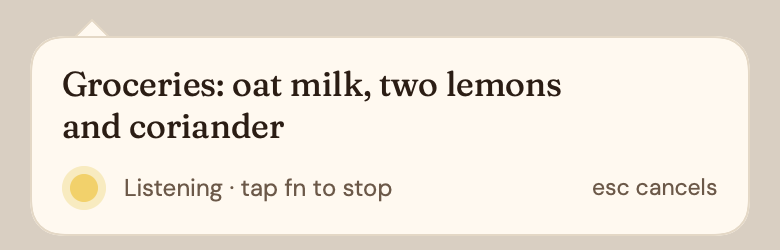
Hold and talk
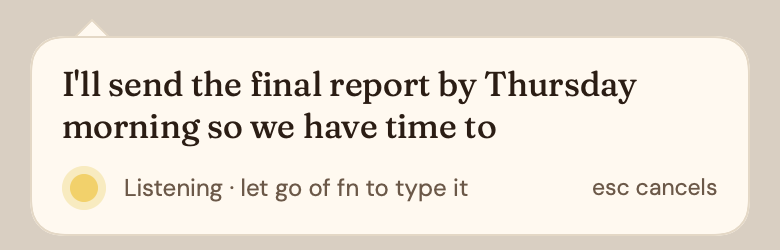
Hold your talk key in any app. A small paper card opens under your text cursor; with Apple Speech your words appear as you speak.
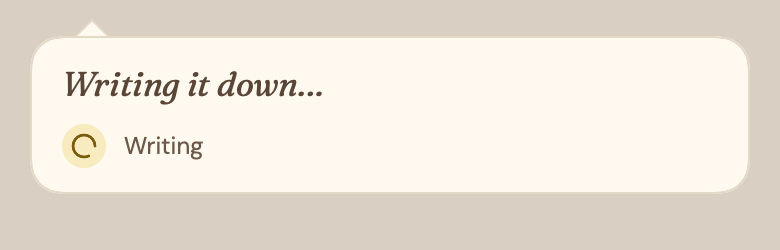
Let go
Wren writes it down on your Mac. Esc throws it away instead.
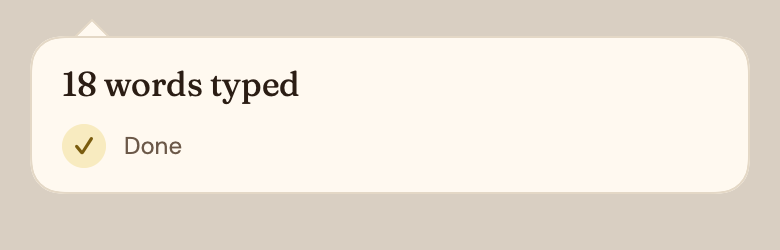
It's typed
The words land where your cursor is, and whatever you had copied is put back.
Pick your key
- fn
- Right ⌥
- Right ⌘
- ⌥ Space
- Your own
fn is the default. A quick tap instead of a hold keeps Wren listening hands-free until you tap again, and esc throws away what you're saying.
02Tidying
It writes what you meant.
On by default, for English. Ums go, corrections stay, and addresses come out as addresses.
Quick or Smart
Quick uses rules and is instant. Smart uses S1-mini by Superwhisper, a 1.5 GB download that runs on your Mac.
Lists, mail and code
Three or more items become bullets. Mail gets a greeting, body and sign-off. Say “new line” or “new paragraph” to break the text. In code editors and terminals, only what you didn't mean is taken out.
- Casualhmm im gonna be late. theres a cute dog outside
- Relaxedhmm, I'm gonna be late. there's a cute dog outside
- StandardI'm going to be late. There's a cute dog outside.
- FormalI am going to be late. There is a cute dog outside.
03Voices
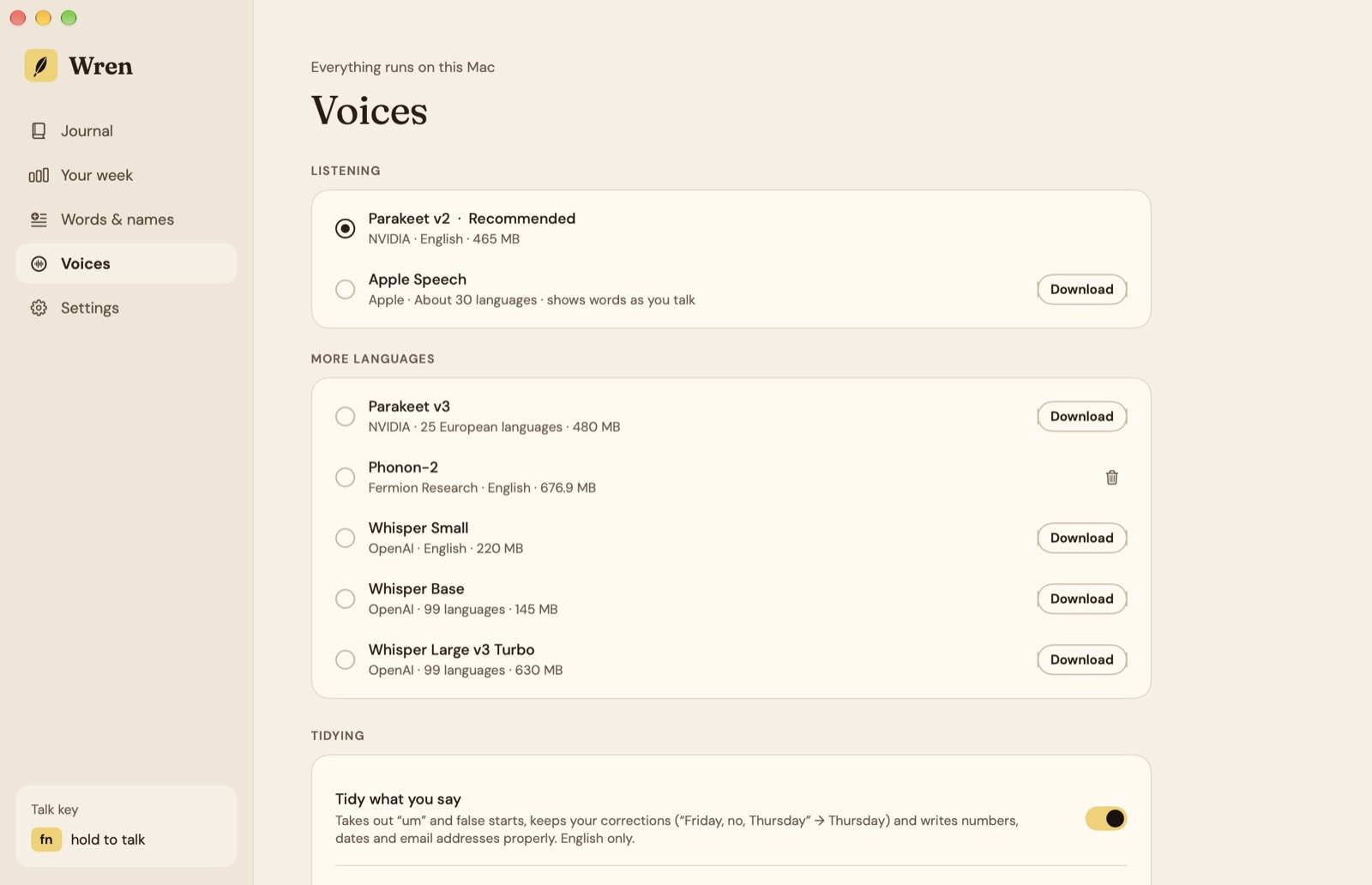
Speech runs on your Mac.
Pick a voice once. It downloads from Hugging Face (Apple Speech from Apple) and then works without a connection.
0.06s
A 5-second sentence came back in about 0.06 seconds with Parakeet v2, on our Mac. Your Mac may differ.
- Parakeet v2
- NVIDIA · EnglishThe default. Fastest and most accurate in our tests.
- Apple Speech
- Apple · About 30 languagesBuilt into macOS. Shows your words as you talk.
- Parakeet v3
- NVIDIA · 25 European languagesParakeet for more languages.
- Phonon-2
- Fermion Research · EnglishA compact English Parakeet.
- Whisper Small, Base, Large v3 Turbo
- OpenAI · 99 languagesFor almost any language.
Words & names
Teach Apple Speech and Whisper the names, places and jargon you use. Fixes work with every voice: when Wren hears the words on the left, it types the words on the right.
paper mint→Papermint
04Journal
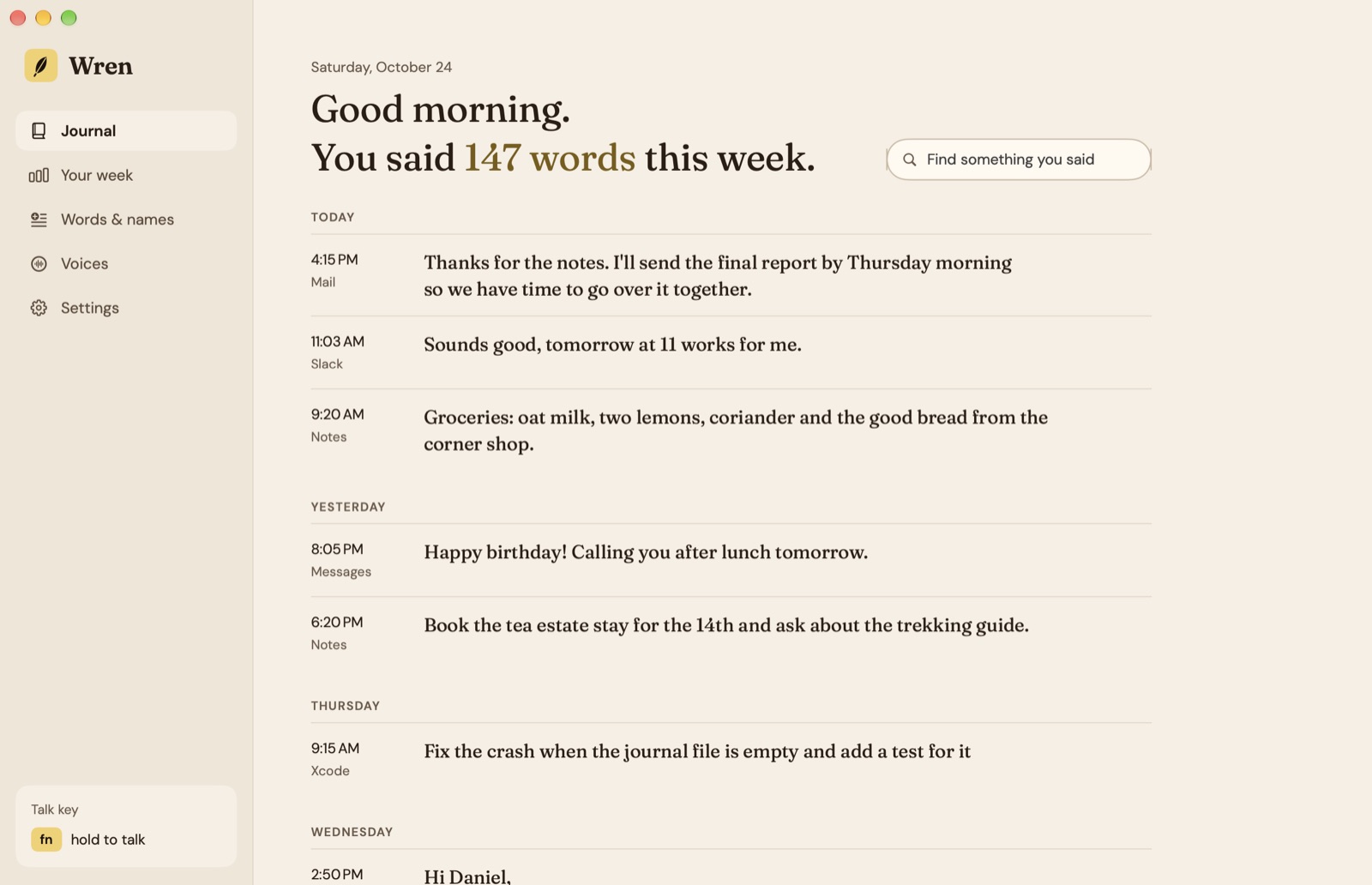
Everything you said, kept on your Mac.
By day and by app. Search it, copy something again, or see what Wren heard before tidying.
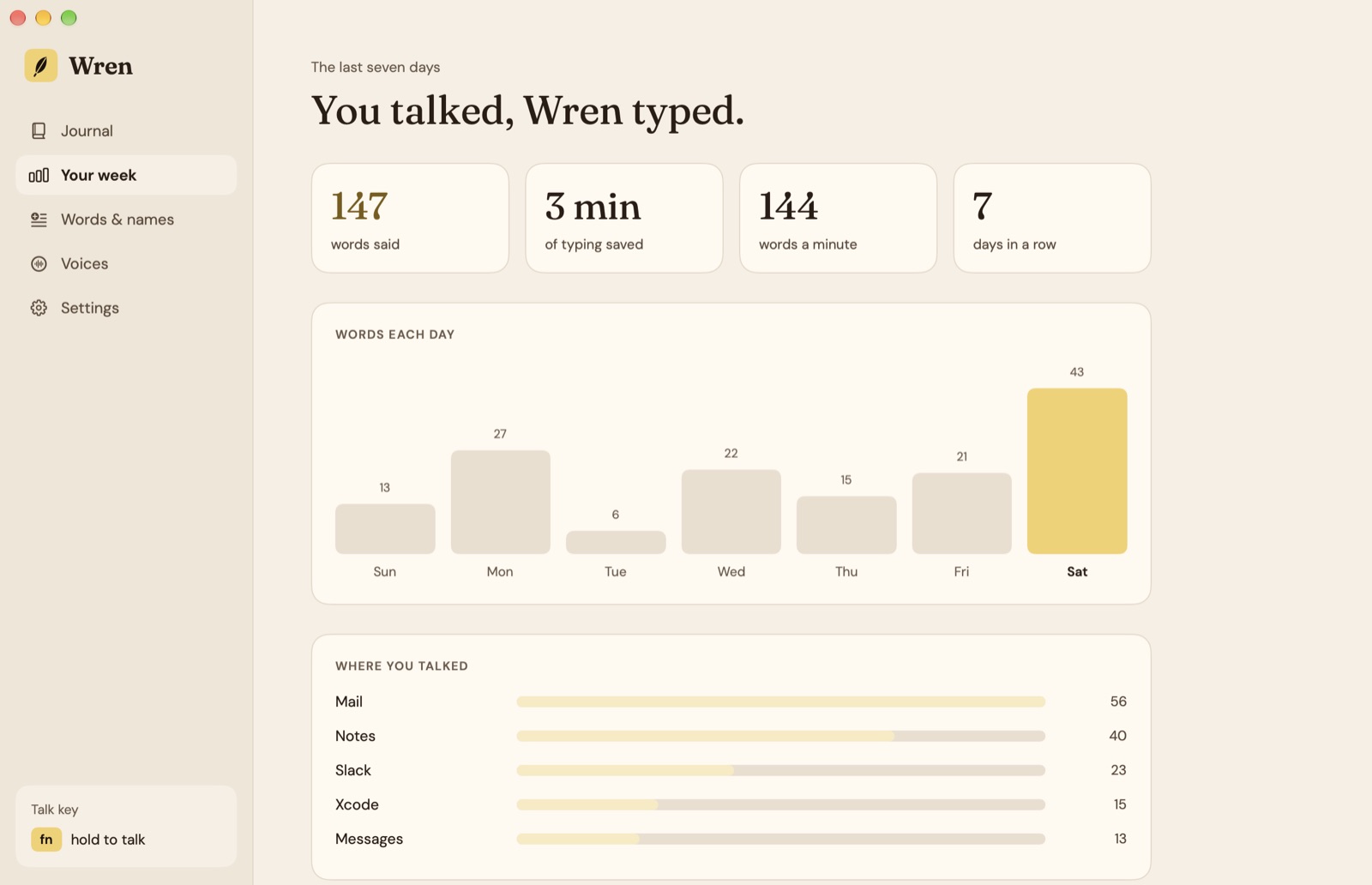
- Words said
- This week, and each day of it.
- Typing saved
- Minutes, compared with typing at 40 words a minute.
- Words a minute
- How fast you talk when Wren is listening.
- Days in a row
- And where you talked: Mail, Notes, Slack.
The journal is one file in ~/Library/Application Support/Wren. Turn it off or clear it in Settings. Paper and Lamplight looks, a feather in the menu bar with the last thing you said, and open at login.
05Private by design
Your voice never leaves.
Audio and text stay on your Mac. No analytics or tracking in the app. This is everything Wren sends over the network:
Microphone access is used only while your talk key is held; Accessibility lets Wren hear the key in any app and paste. Read the Wren privacy policy →
06Price
Pay once. Talk for years.
Most good dictation apps are monthly subscriptions. Wren is paid for once, with every future update included. Try everything free for 7 days first.
- 1 Mac$9.99once
- 3 Macs$19.99once
After the trial the journal still opens; dictating needs a licence. Licences live at console.papermint.studio. Apple silicon, macOS 26 or later. Notarized by Apple. Bought from Papermint through Dodo Payments; prices may vary by country.
07Questions
Asked before you download
- Does my voice leave the Mac?
- No. Every voice runs on your Mac, and audio and text never leave it. Wren goes online only to download a voice once, check for updates and check your licence.
- How is this different from macOS Dictation?
- macOS Dictation is free and built in, and good for a sentence or two. Wren adds a talk key that works the same in every app, a choice of voices, tidying that removes ums and keeps your corrections, your own words and fixes, and a journal of what you said.
- Which languages does it know?
- Parakeet v2, the default, is English. Apple Speech knows about 30 languages, Parakeet v3 knows 25 European languages and Whisper knows 99. Tidying is English only.
- Does it work in every app?
- Wherever you can type: mail, chat, notes, documents, browsers, code editors and terminals. In code editors and terminals tidying only removes what you didn't mean.
- What does it cost?
- Free for 7 days, then $9.99 once for one Mac or $19.99 for up to three, with every future update. After the trial the journal still opens; dictating needs a licence.
- Why isn't it on the Mac App Store?
- Wren needs Accessibility to hear its talk key in any app and to paste where your cursor is, which apps in the Mac App Store can't do. It's downloaded from us instead, signed and notarized by Apple.
Hold a key, talk. Wren types it.
Free for 7 days, then $9.99 once. Apple silicon, macOS 26 or later.
DownloadmacOS 26+ · Apple siliconMore from Papermint
Other apps, same promise.
 WhittleVoice notes that write themselves
 KeepersA photo cleaner you swipe
 SketchyColoring pages for kids
 LumenA photo viewer for the Mac
 PennyBookA private expense tracker
 Porter.local names for dev servers
 AlmanacSee which app is behind it
 RoostWindows back where they belong
 WinnowClear your Mac, keep a way back
 SheafEvery PDF tool, on your Mac