Clipboard Manager for Mac That Hides Passwords and API Keys
How Mac clipboard managers keep passwords out of history, where secrets slip through, and how to test yours. Also covers API keys and shell history.
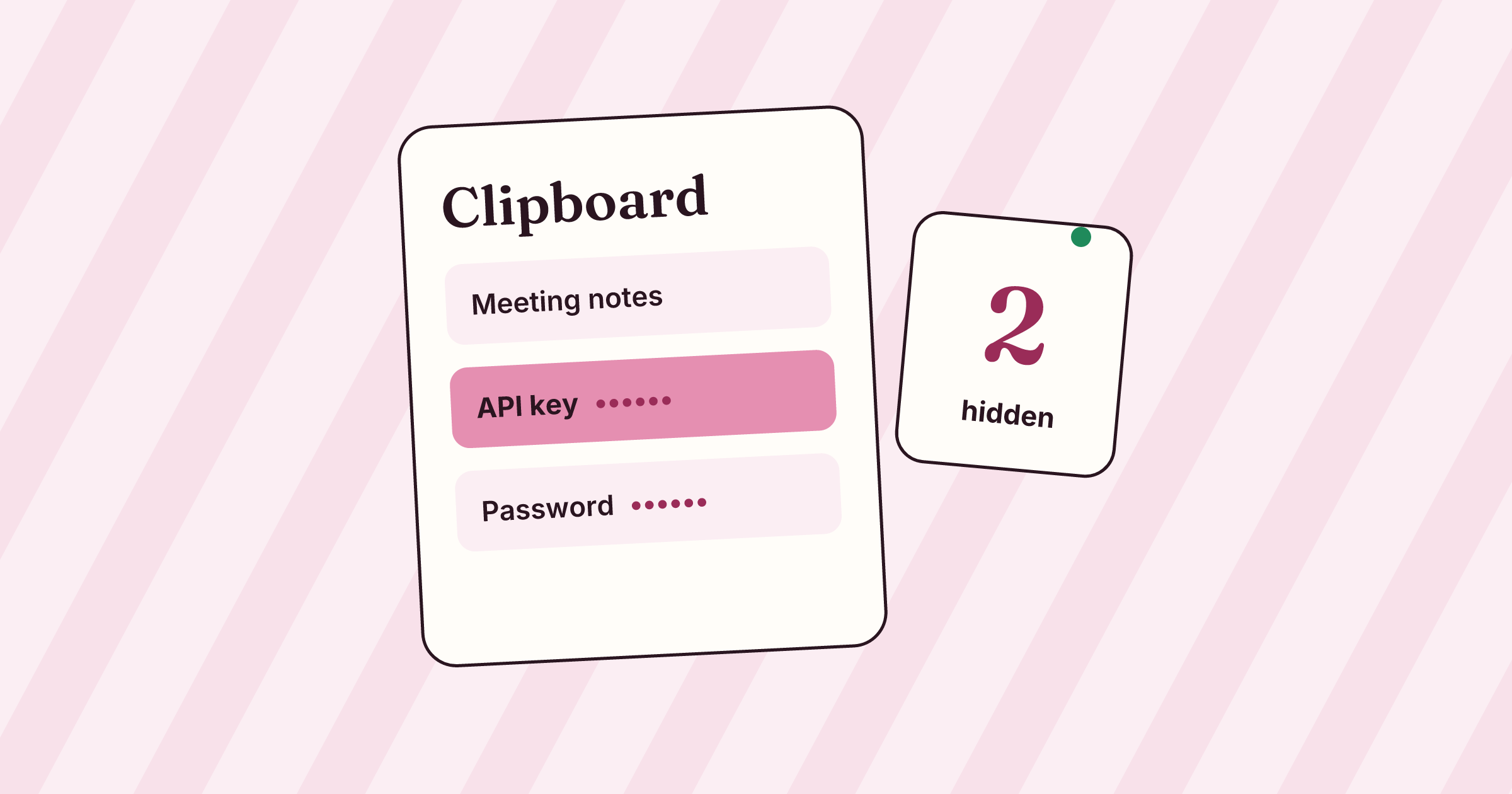
- The concealed marker isn't enough. Clipboard managers skip copies tagged with
org.nspasteboard.ConcealedType, but API keys,.envlines and tokens from Terminal or browsers carry no marker. - Masked doesn't mean safe on disk. A password shown as dots may still sit in full in a plain-text database, so check what each app actually writes to disk.
- Test your manager in two minutes. Copy a dummy password, a pasted note copy and a fake
sk_test_key, then check history and whether ⌘V still pastes minutes later. - Tacet detects secrets by shape. It checks 327 key patterns, adds the marker, wipes hushed secrets after 60 seconds, encrypts history with AES-256 and keeps keys off Universal Clipboard.
A clipboard manager can keep passwords out of its history in two ways. It can skip copies that the source app has marked as confidential, or it can recognise secrets by their shape and hide them itself. The marker alone misses a lot, so look for a manager that does both. It should also clear secrets off the clipboard quickly, encrypt what it keeps and keep keys away from sync.
Below: how the marker works, where it stops working, what "hidden" can actually mean, and a two-minute test you can run on the clipboard manager you use now.
How a clipboard manager knows something is a password
macOS's clipboard has no built-in idea of a "password". Anything you copy is just text, an image or a file. Clipboard managers rely on a shared convention instead, described at nspasteboard.org. An app that puts sensitive data on the clipboard adds an extra type identifier next to it. Clipboard history apps check for that identifier and act on it.
The convention defines a few markers:
org.nspasteboard.ConcealedType: the content is confidential. It should be obscured on screen and not saved to a file, or else saved encrypted.org.nspasteboard.TransientType: the content is only meant to sit on the clipboard briefly. Clipboard histories shouldn't record or display it.org.nspasteboard.AutoGeneratedType: an app generated the content without you meaning to copy it. It often comes with the transient marker.org.nspasteboard.source: identifies which app put the content there.
The same convention also asks clipboard history apps to respect a few older, app-specific markers that came before it.
The catch is in the word "convention". Apple doesn't enforce it. A marker only exists if the app you copied from chose to add it, and it only helps if your clipboard manager chose to look for it.
The gap: passwords that carry no marker
Most secrets you copy in a working day don't come from a password manager:
- A Wi-Fi password in a note
- An API key on a provider's dashboard in the browser
- A token printed in Terminal
- A database URL in a
.envfile open in your editor - A temporary password someone emailed or sent in chat
None of these come with a concealed marker. A clipboard manager that relies only on the marker treats them like any other text. It saves them in history and shows them in full whenever you open the list. If you share your screen and open that list, everyone on the call can see them.
So "hides passwords" really means two things. Does it honour the marker? And does it catch the secrets that arrive without one?
Skipping, masking, encrypting and locking aren't the same thing
Product pages often lump these together, but each one protects against something different:
| What it does | What's on disk | What it protects against |
|---|---|---|
| Skips the copy | Nothing | Everything, but you can't paste it again from history |
| Masks it in the list | Usually the full secret | Someone glancing at your screen |
| Encrypts history at rest | Encrypted secret | Someone reading the history file without your key |
| Locks it behind Touch ID | Depends on the app | Someone using your unlocked Mac |
| Wipes it from the clipboard | n/a | Pasting it by mistake later, or other apps reading it |
A masked password that sits in a plain-text database is only hidden on screen. When you compare apps, ask what each one actually writes to disk.
Other places secrets leak
The history list isn't the only risk.
Other apps reading the clipboard. Apps running on your Mac can generally read what's on the clipboard. The marker asks clipboard apps to leave a secret alone. It doesn't stop an app that ignores the marker.
Universal Clipboard. If Handoff is on, something you copy on your Mac can be pasted on your iPhone or iPad. A secret that should stay on one machine can end up on another.
Shell history. If you paste a token into a command, your shell saves that command in a history file in plain text (~/.zsh_history for zsh, the macOS default). That isn't the clipboard manager's fault, but it's the same secret leaking the same way.
Pasting into the wrong window. A key that's still on the clipboard ten minutes later is one ⌘V away from a Slack message or a chat with an AI assistant.
Test your clipboard manager in two minutes
You don't have to trust any app's description, ours included. Try this:
- In your password manager, make a dummy entry with a made-up password. Copy the password.
- Open your clipboard history. Is the copy there? If so, is it shown in full, masked or missing?
- Paste the same made-up password into a note, then copy it from the note. Check the history again.
- Copy a fake key in a common format, such as a string starting with
sk_test_orghp_, from a text file. Check again. - Wait a few minutes and press ⌘V in an empty text field. Is the secret still on the clipboard?
Step 2 tells you whether your manager honours the marker. Steps 3 and 4 tell you whether it catches anything without one. Most people learn something from step 5.
How Tacet handles it
We built Tacet for people who copy keys all day. It's a full clipboard manager: ⌃⌥V opens the copy finder in any app, search reads the words inside screenshots, and it has boards and a paste stack. What sets it apart is how it treats secrets.
It recognises secrets by shape, not only by marker. Tacet checks each copy against more than 300 kinds of API keys and tokens (327 patterns from gitleaks and Nosey Parker). It also checks for private keys, JWTs, database URLs with a password in them, Authorization headers, .env lines and random-looking tokens. Anything copied from a password manager counts as a secret too.
It adds the marker for you. When Tacet catches a secret, it rewrites the copy with the nspasteboard.org marker. Other clipboard apps that respect the marker then leave it out of their history. Pasting still works as normal.
It wipes the clipboard. A hushed secret is removed from the clipboard after 60 seconds, but only if it's still there; anything you copied since is left alone. You can choose 30 seconds, 2 minutes or never. You can also set a key to be wiped right after its first paste.
It hides secrets in its own history. Hushed copies show as dots. Peeking at one, or pasting it again from Tacet, needs Touch ID or your Mac password. By default, hushed secrets are kept for a day and other copies for a month. Every file in the history is sealed with AES-256, and the key is kept in your login Keychain. A key in a screenshot is hushed as well: the picture stays hidden until you use Touch ID.
It keeps keys off your other devices. With Keep hushed keys on this Mac switched on (the default), Universal Clipboard doesn't pass hushed keys to your iPhone or iPad. Everything else still syncs as usual.
It shows you who was listening. The Overheard page reads macOS's own clipboard log on your Mac. It lists background apps that read the clipboard while a hushed secret was on it. Apps that respected the marker are shown in green, and apps that may have kept a copy in red. A button opens the page where that key can be made again, at Stripe, GitHub, AWS and dozens of other services.
It asks before risky pastes. If you press ⌘V with a hushed key on the clipboard in Slack, Messages, Mail, ChatGPT, Claude and similar apps, Tacet asks first. When a key sits inside a log or a config, Copy without keys copies the rest with a placeholder such as <STRIPE_SECRET_KEY> in place of each key.
It keeps keys out of shell history. Switch on your shell (zsh, bash, fish, Nushell, PowerShell or xonsh), and commands holding a secret aren't saved to history. Look for secrets finds the ones already there. Every change is backed up and can be undone.
All of this happens on your Mac: secrets are recognised, words in pictures are read and the history is stored locally, with nothing you copy sent anywhere.
It's free for 7 days, then $9.99 once, or $19.99 for three Macs. It needs macOS 14 or later on Apple silicon or Intel and is sold directly with a licence key, not through the Mac App Store.
Clean up secrets that are already exposed
If your test showed real passwords sitting in your clipboard history:
- Clear the history in your current manager, or at least delete those entries.
- Check your shell history for pasted tokens. You can search the file, or let a tool do it.
- Change the keys that matter. You can't be sure who or what read them, and backups made while they were stored may still hold a copy. A new key makes the old one useless, which is simpler than tracking down every copy.
- Change your setup so it doesn't happen again: turn on secret detection, exclude the apps you copy secrets from, or switch managers.
For other Mac utilities that keep your data on the machine, see our guide to MacBook tools worth installing.
FAQ
Do password managers mark copied passwords as concealed? It depends on the app and its settings. Don't assume either way. Run the test above with your own password manager.
Does Tacet catch every password? It catches anything copied from a password manager and anything that matches a known key format or looks random. A short, ordinary-looking password typed into a note may not look like a secret. For apps you copy those from, use Never keep copies from to leave that app out of history. If a secret wasn't caught, write to us with the kind of key (never the key itself) and we'll look at the pattern.
Can a clipboard manager stop other apps from reading the clipboard? No. The marker asks other apps to look away, and many do. Tacet's Overheard page shows which apps didn't, so you know which keys to change.
Why does Tacet need Accessibility permission? To paste the copy you pick into the app you were in, and to press ⌘V for you when you paste a stack of copies in order.
What happens to secrets when I pause Tacet? Pausing stops Tacet keeping new copies for 5 minutes, an hour or until you resume. Keys are still hushed while it's paused. The support page covers this and the other settings in detail.
Keep reading
How to Edit the Hosts File on a Mac for localhost
Find and edit the Mac hosts file at /etc/hosts, point a name at 127.0.0.1, flush the DNS cache, and fix entries that don't take effect.
Mac Keeps Freezing? How to Unfreeze It and Find the Cause
Mac frozen? Force quit the app or force a restart, then use Activity Monitor, Safe Mode and Diagnostics to find out why it keeps freezing.
Talk to Text App for Mac: Private, Without a Subscription
Use free Mac Dictation or a hold-to-talk app that types in any app. How to choose, set it up, test accuracy and keep your voice on your Mac.